
 rohinisanikumriiii@gmail.com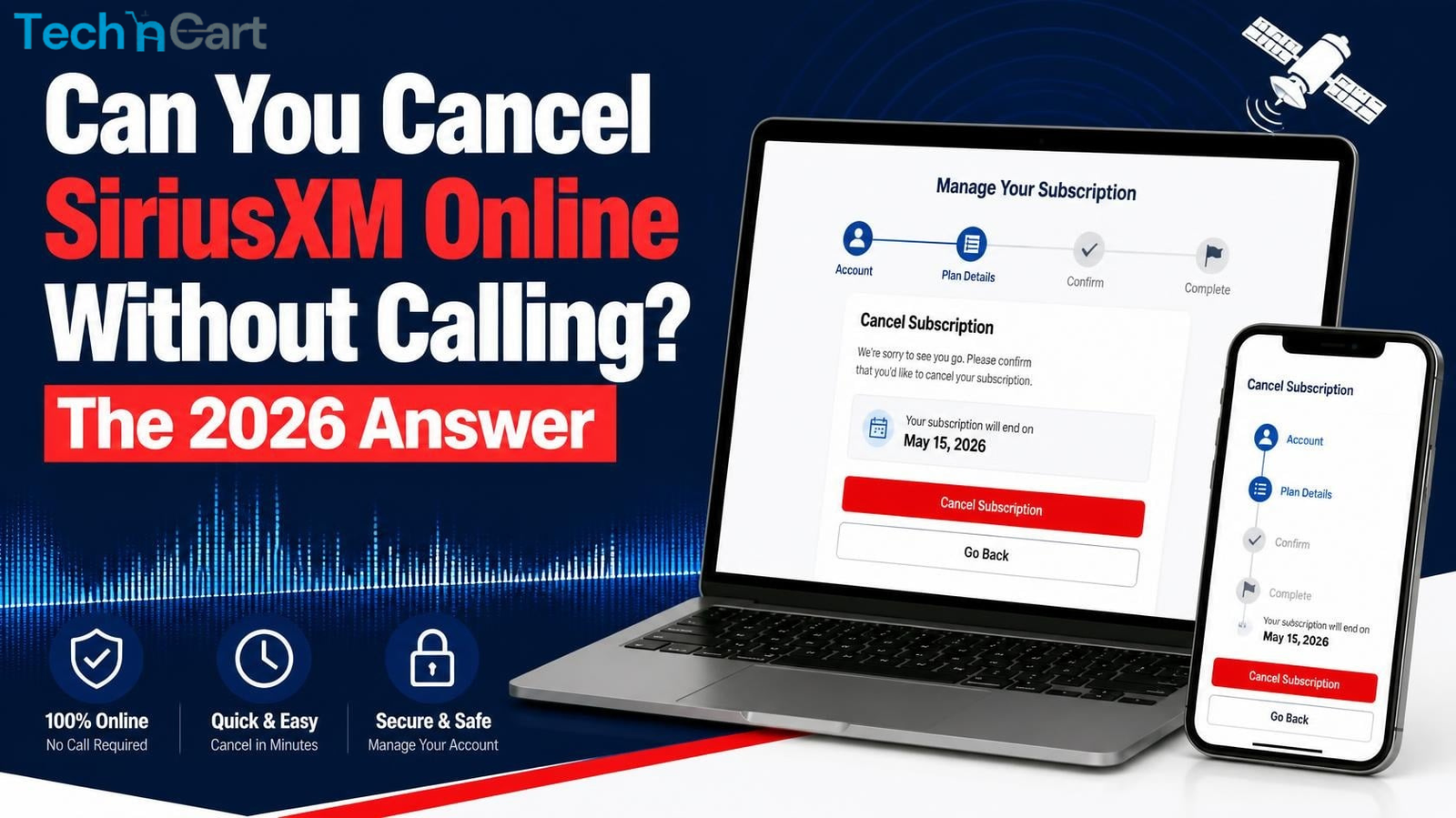
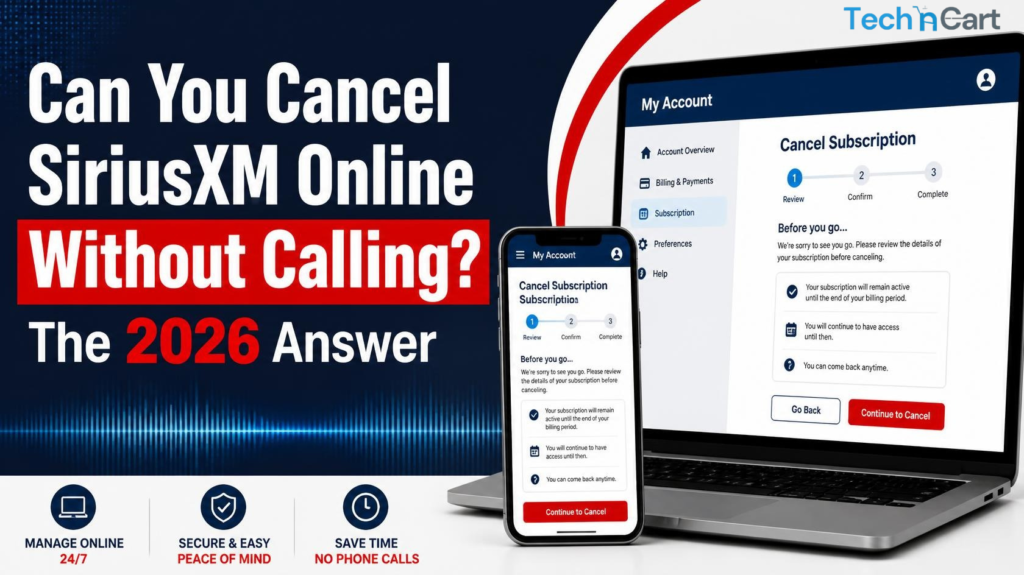
For years, canceling SiriusXM meant one thing: a dreaded phone call with a retention specialist. But times are changing. The short answer is yes, you can cancel online without calling—but it depends entirely on how you signed up.
Your Cancellation Method Depends on Your Billing Type
The golden rule for canceling SiriusXM in 2026: You must cancel through whoever bills you.
| How You Signed Up | How to Cancel | Can You Avoid Calling? |
|---|---|---|
| Directly with SiriusXM (website, phone, mail) | Online Account Center or chat | ✅ Yes – through the website |
| Through Apple App Store (iOS app) | Apple subscription settings | ✅ Yes – no phone call needed |
| Through Google Play (Android app) | Google Play subscription settings | ✅ Yes – no phone call needed |
| Through Roku | my.roku.com account settings | ✅ Yes – no phone call needed |
| Through T-Mobile | T-Mobile account add-ons | ✅ Yes – no phone call needed |
| Through Apple Podcasts (Podcasts+) | Apple Account settings | ✅ Yes – no phone call needed |
| Through Amazon or other retailers | Cancel with that retailer directly | ✅ Yes – no phone call needed |
How to Cancel Online: Step-by-Step
If You Are Billed Directly by SiriusXM
This applies if you signed up on siriusxm.com, over the phone with an agent, or by mail.
- Log in to your account at siriusxm.com
- Click on your profile icon (top right) and select “Manage My Account”
- Navigate to the “Subscriptions” tab
- Click “Manage” next to your active subscription
- Select “Cancel Subscription”
- The system will offer you retention deals—decline them if you want to proceed
- Click “No Thanks, Chat to Cancel” or continue through the prompts to complete cancellation
Important: If you have a trial subscription that was activated in your vehicle and you provided payment info to “extend” it, this is a direct-billed subscription and can be managed online.
If You Signed Up Through a Third Party
If your billing provider is Apple, Google, Roku, T-Mobile, or another retailer, canceling through SiriusXM directly won’t work.
Apple users: Go to Settings > Your Name > Subscriptions and cancel from there. Uninstalling the SiriusXM app will not cancel your subscription.
Google Play users: Go to your Google Play subscriptions and cancel there.
Roku users: Visit my.roku.com on a computer or mobile device (you cannot cancel within the SiriusXM app itself).
T-Mobile users: Go to your T-Mobile account, choose “Manage add-ons,” and deselect the SiriusXM feature.
Other third parties: Check your account with the retailer or service that bills you.
The Chat Option: A Phone-Free Alternative
If you prefer not to call, SiriusXM now offers a chat-based cancellation option through their website. This uses an AI-powered chatbot that walks you through the same retention script a phone agent would use.
The chatbot will:
- Ask for your reason for canceling
- Offer you a discounted rate to stay (usually around $5-8/month)
- Allow you to decline and proceed with cancellation
This is a completely phone-free process and has become increasingly available for direct-billed subscribers.
What Changed in 2025-2026?
The old advice that “SiriusXM requires phone cancellation” is becoming outdated. Legal pressure—including the FTC’s “click-to-cancel” rule and a New York court ruling—has pushed SiriusXM to offer online cancellation options. While some third-party guides still claim online cancellation isn’t available, the official SiriusXM help pages confirm you can cancel through the Online Account Center.
Key takeaway: If you can sign up online, you can now cancel online in most cases.
FAQs About Canceling SiriusXM Without Calling
Q: Can I cancel SiriusXM online without calling?
A: Yes, if you’re billed directly by SiriusXM—log into the Online Account Center and go to the Subscriptions tab. If you signed up through a third party (Apple, Google, Roku, etc.), you must cancel through that provider.
Q: Why do some websites say you can’t cancel online?
A: Many guides are outdated. SiriusXM has been phasing in online cancellation following legal and regulatory pressure. The official help pages now confirm online cancellation is available.
Q: What if I purchased SiriusXM through my car dealer?
A: If your trial was activated by the dealer and you provided payment info, you can cancel online through the Online Account Center. If you never provided payment info, the trial will expire on its own.
Q: Can I cancel through the SiriusXM app?
A: Not directly. You must cancel through your account settings on the website (or through the app store if you subscribed via Apple/Google).
Q: Will I get a refund if I cancel online?
A: Refund policies vary. For monthly plans, you may need to cancel at least 24 hours before renewal to avoid charges for the next cycle. Annual plans may be pro-rated in some cases.
Q: What if I signed up through a third party and can’t find the cancellation option?
A: Check your billing statement to identify the provider. If it says “Apple,” cancel in Apple Settings. If it says “Google,” cancel in Google Play. If it says a retailer name, contact that retailer